> ## Documentation Index
> Fetch the complete documentation index at: https://alore.mintlify.site/llms.txt
> Use this file to discover all available pages before exploring further.
# How to Setup Email Server on a Domain in less than one minute
## Creating an Email Address on the Domain:
1. Sign in to the website Hosting settings/Control Panel.
2. Search for the Email Account Icon under the Email Section
The location may vary in various platforms
Fill all the details such as :
-> Email Name
-> Password etc.
And select the Domain from the List.

4. Create the account.
**Set up a Google account**:
1. Go to the Google account page.
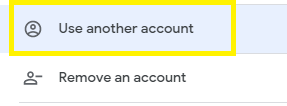
2. Select Use Another Account.
3. Click on the **Create Account** option.
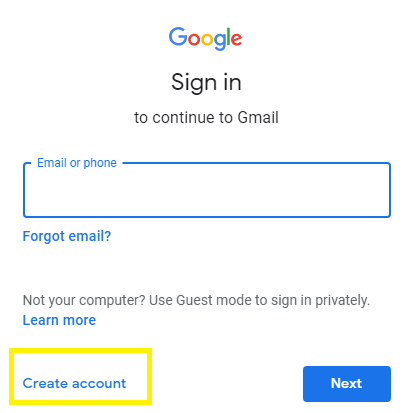
4. Follow the onscreen instructions to set up your account successfully.
**Set up a Forwarders to the Client**:
1. Sign in to your control panel
2. Go to the **Forwarders**
3. Then Select the **Add forwarder** option.

4. Enter the address and new destination.
5. Click on **Add Forwarder**
**Configure Gmail**:
1. Login to your Gmail Account
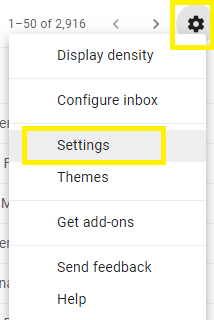
2. Click on the setting present at the top right corner of the screen.
3. Click on Settings and Choose the **Account and Import** Bar present there.
4. Click on the **Add another email Address**.
5. Enter the user data with a new domain address in the pop-up window.

6. Click on Send Verification and after a while the verification process will be successful.
***
### Related Articles: